



Free
$01 screen · forever
- Start in a PC or laptop browser
- All templates free
- No time limit
One screen free forever
Create, edit and send screens to a PC, laptop or TV from your phone or computer.
Get started
Register this PC directly, or use the code shown on another device
Templates, photos or AI
One tap and every TV updates
Industries
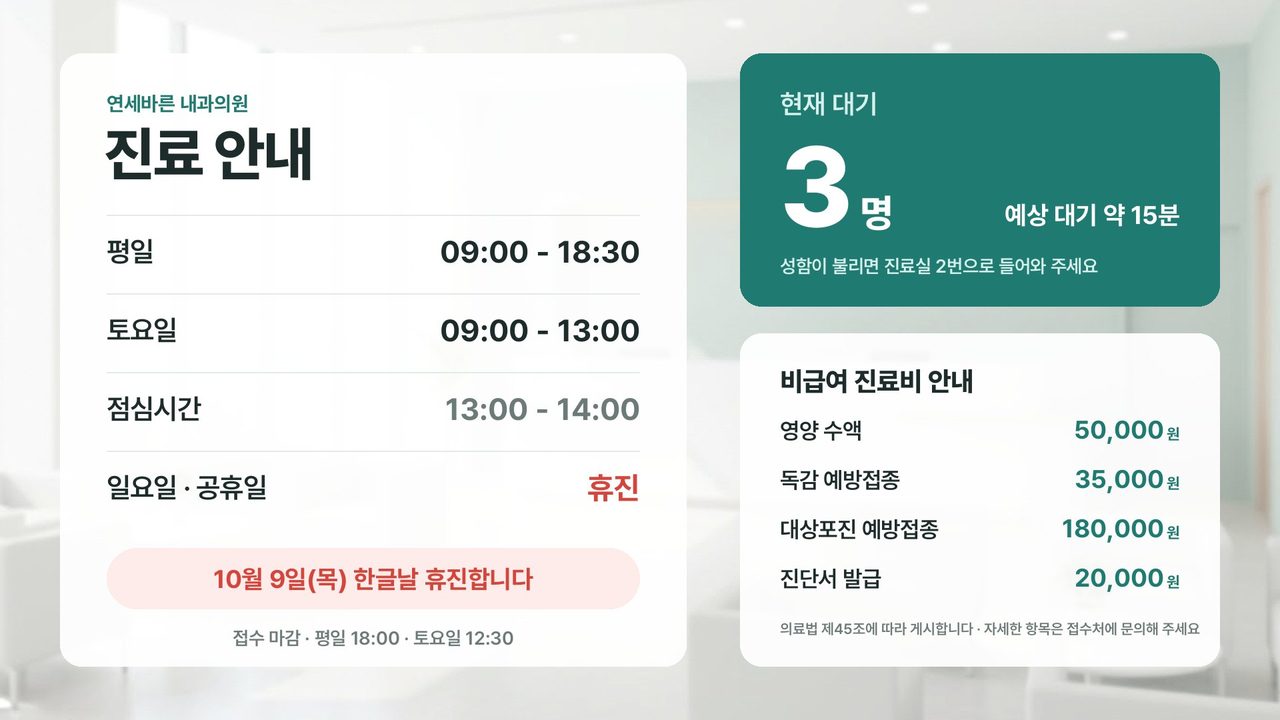




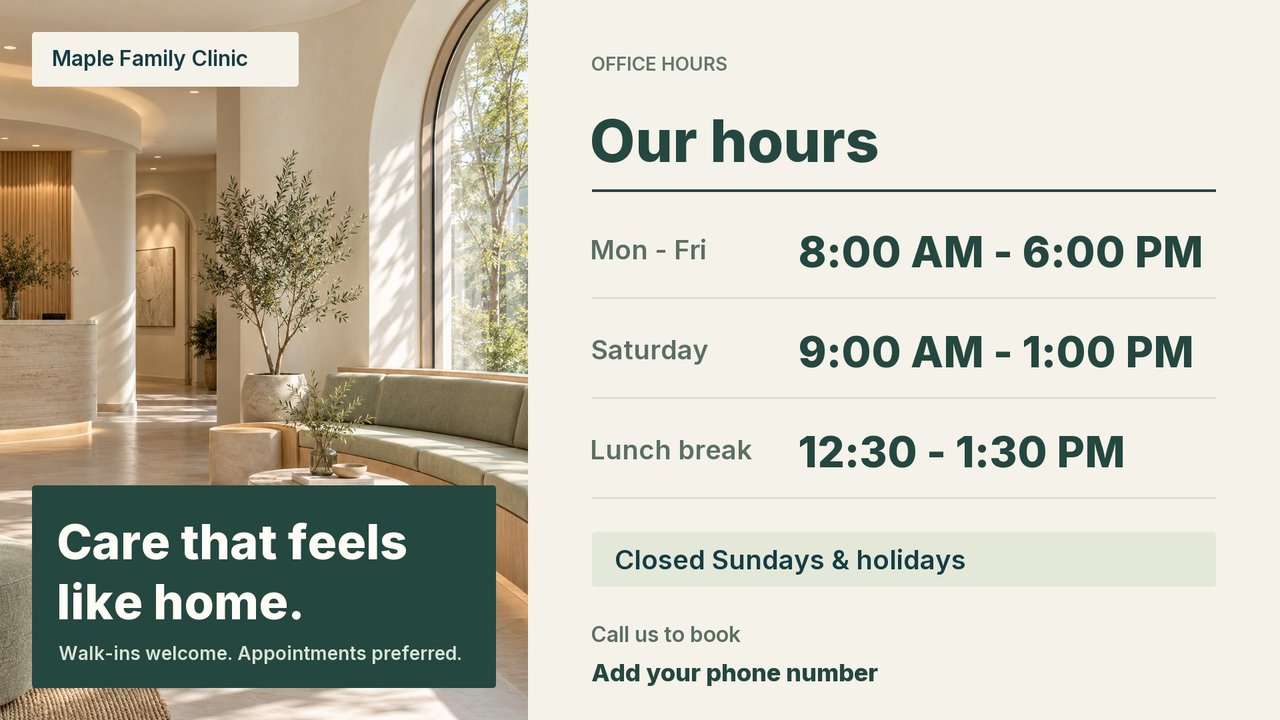
Plus YouTube, weather, calendars and more: 18 apps and widgets, ready to connect
Management
Group your locations and publish in one tap
Set morning, lunch and evening screens once
If the internet drops, the last screen keeps playing
Video, photos and apps in one playlist · Store-level roles · Remote lock · Outage alerts
AI screen maker
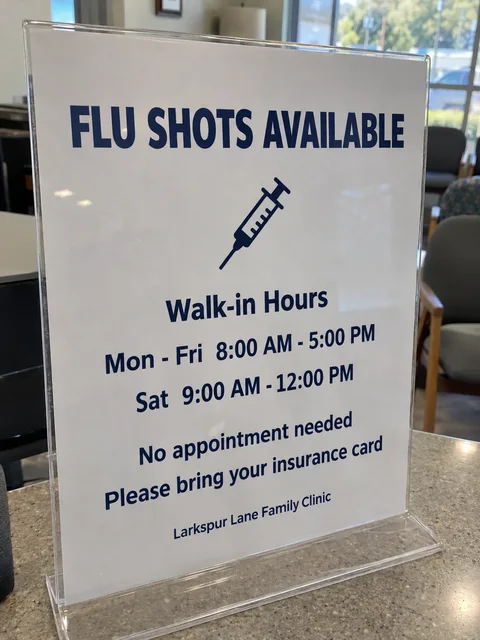

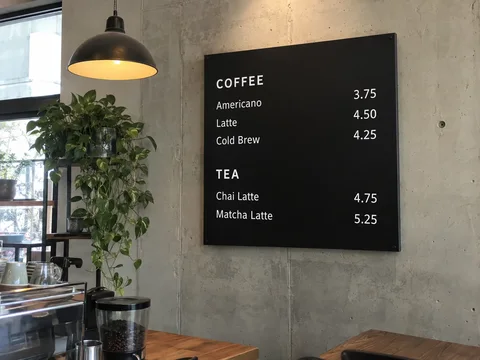
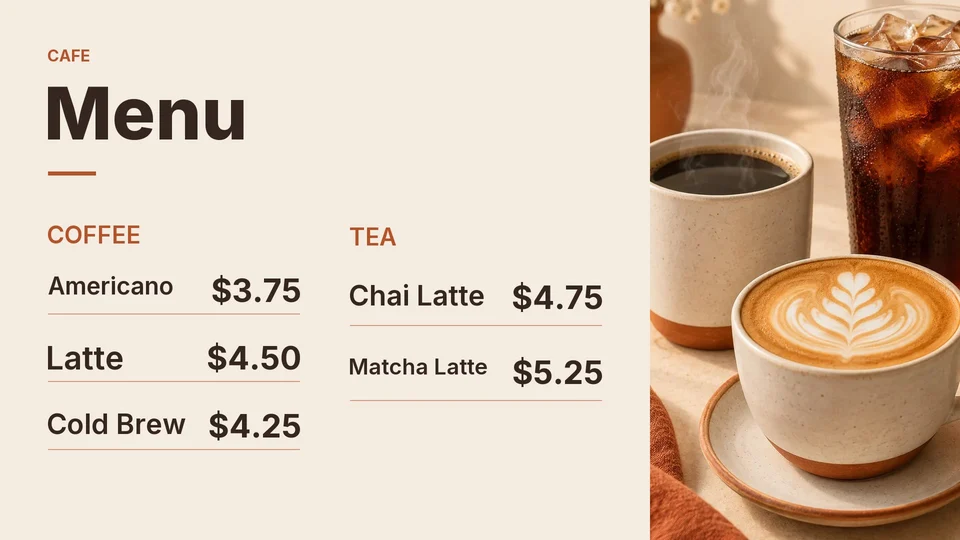
Text and prices kept · Fully editable afterwards
Multi-location
$01 screen · forever
Reference US$8/screen/month
US$6.40screen / month
20% below Yodeck list price
Annual US$76.80/screen · contact us
Reference US$12/screen/month
US$9.60screen / month
20% below Yodeck list price
Reference US$16/screen/month
US$12.80screen / month
20% below Yodeck list price
Offer prices are 20% below Yodeck public USD list prices as of 2026-10-08. Features and hardware differ. Premium, Enterprise and annual plans require consultation. Existing contracts remain unchanged. Taxes and shipping are confirmed before purchase.
Own device: a PC or laptop browser, a smart TV with a web browser, or an Android TV stick
Enterprise+ · custom quote · https://www.yodeck.com/pricing/
Per-screen offers: Basic US$6.40/month or US$76.80/year; Premium US$9.60/month or US$115.20/year; Enterprise US$12.80/month or US$153.60/year. Annual amounts are prepaid. All screens are billed from two screens. Higher tiers, annual plans and hardware require agreed terms. Online billing is being prepared.
No outlet? Use e-paper.No power or cabling
Available on request Ask about e-paperAny TV with an HDMI port or a web browser works. Smart TVs use the browser or our TV app, and other TVs just need the stick.
One screen is free. The 20% discount offer is Basic US$6.40, Premium US$9.60 and Enterprise US$12.80 per screen/month. Paid plans bill all screens. Higher tiers require consultation.
Previously cached images and videos can keep playing. External websites, live apps and content not yet downloaded need internet. Closing the browser or putting the PC to sleep stops playback.
Yes. Upload images and MP4 videos to a playlist and they play as-is, no AI required.
Yes. Background, product, title and price come out as separate layers, so you can change text and positions in the editor. You can also ask for a different design.
The dashboard and AI screens work in English, Japanese and Korean. For installs abroad we confirm local conditions first.
Free use has no automatic charges. Renewal, cancellation, refunds and player provision terms are provided before a paid contract.
TVs need an outlet and can play video and animation. E-paper runs on a battery where there's no power and shows still images. Contact us separately about e-paper.
Or email us: support@studiolab.ai